How to make realistic AI selfies (and why yours look fake)
An AI selfie gives itself away in the framing before the face: the camera is too far, the angle too flattering, the light too even. Fix those and the same face reads as a real selfie.
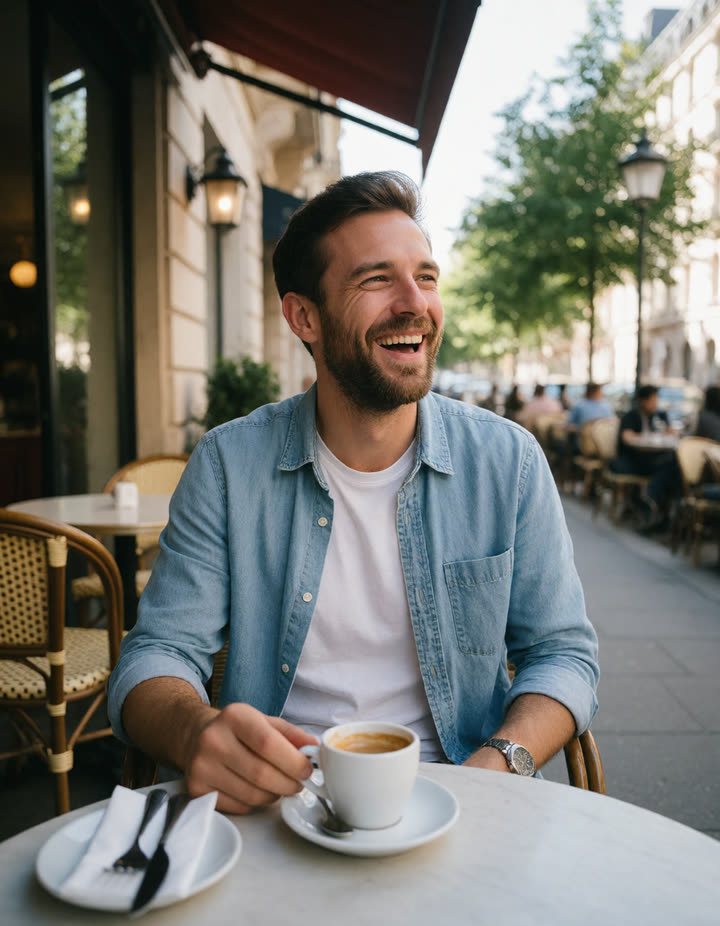
The seven fixes
- Say "front camera selfie": it sets arm's length and a slight wide angle.
- Name one light: window, lamp, street light, flash.
- Put the person somewhere specific: a train, a balcony, the snow.
- Add weather or mess: wind, snowflakes, a cluttered shelf.
- Drop "beautiful", "perfect", "flawless".
- Drop camera models and "8K".
- Use adults with an age: "a man in his mid thirties".

Before and after, in words
"Beautiful woman selfie, perfect skin, 8K, cinematic" becomes "front camera selfie of a woman in her thirties on a train, window light, headphones around her neck". The second one is shorter, and it looks like a phone took it.
Or skip the prompt work
Camroll writes every request as a phone photo already, so one plain line is enough.
Try one of these
Make it with Camroll
AI selfie generatorType the moment, get a selfie that looks straight off a phone: front camera, mirror, 0.5 ultra-wide. Free to start, no camera needed.Realistic AI photo generatorA realistic AI photo generator for photos of people who don't exist, in everyday places, lit like a real phone photo. Free to start.The same idea for video too: AI photos and videos that look shot on a phone, using eroq.ai.
FAQ
Why do AI selfies look fake?
Too-even light, studio framing and retouched skin. Real selfies have one light, an arm's-length angle and a real room.